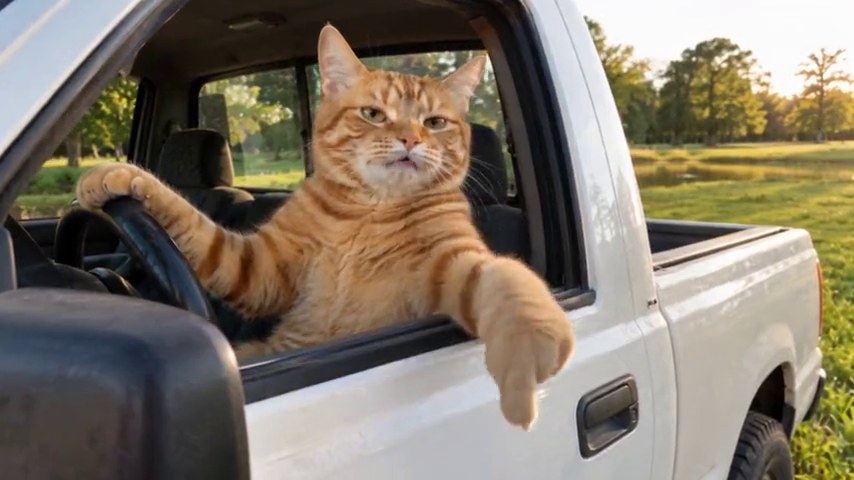
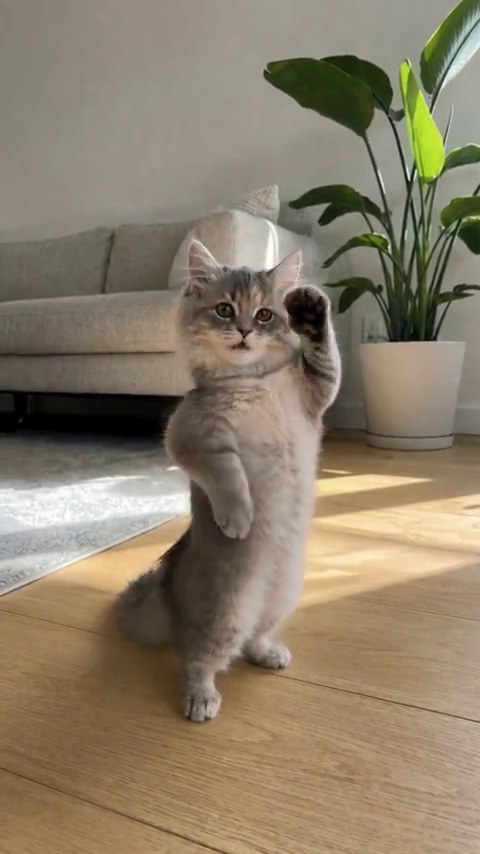
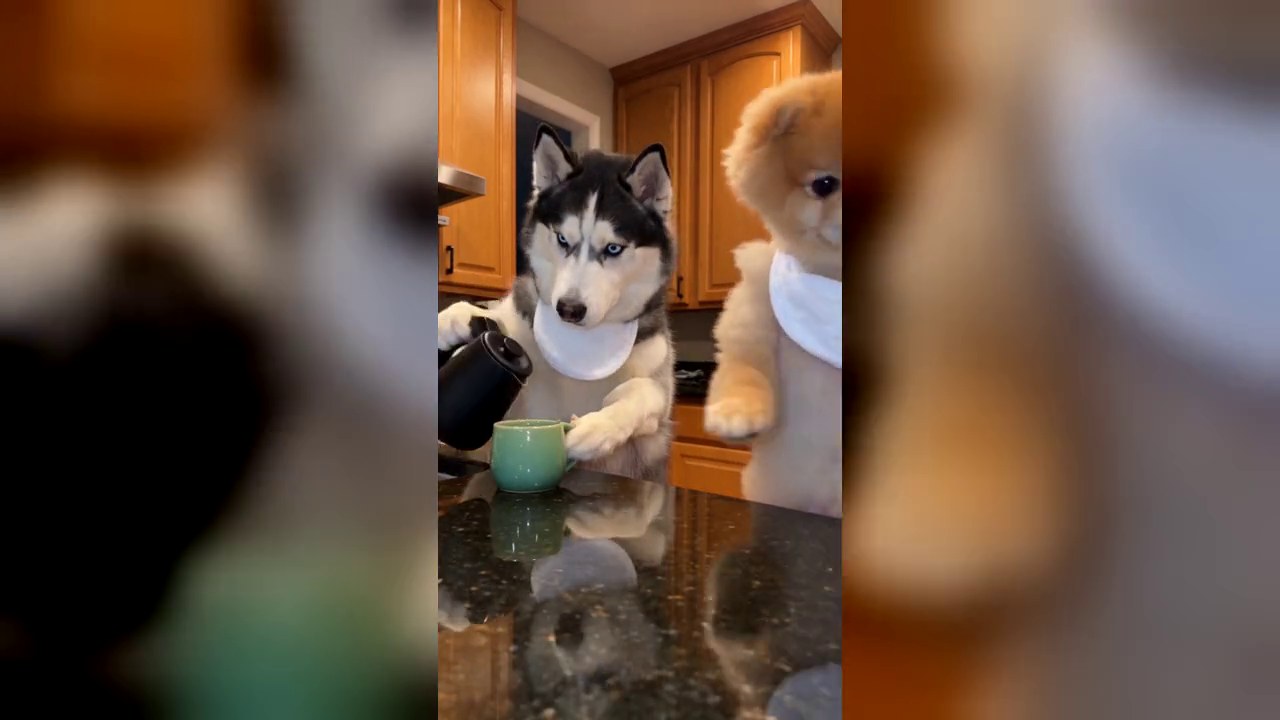
 Memeo
Give your duo a studio debut. 58th Floor needs two separate photos: one performer on the left, one on the right. Add your friends or pets, and let the teal studio and hanging mic set the scene.
Open the templateIn this guide
What Is the 58th Floor COLORS Studio Session Meme?
Two performers, a teal studio, and a hanging mic: the 58th Floor AI template gives the cast very little to hide behind. This COLORS studio session meme puts the focus on the faces, the delivery, and the contrast between two personalities. The more unexpected the duo, the more room there is for the joke.
Pair the loud friend with the quiet one, two siblings who insist they are nothing alike, or two pets with completely different energy. A caption such as “The group chat after one good karaoke night” gives the studio debut a backstory without explaining every beat.
58th Floor Photo Tips: Two Separate Photos for Left & Right Performers
Choose one photo for each performer, with only that person or pet clearly featured. The first slot is the performer on the left; the second is the performer on the right. A group photo in both slots makes the casting harder to read.
Aim for similarly clear photos, even if the personalities are very different. Keep eyes and mouths visible, avoid strong filters and deep shadows, and leave a little room around each head. For pets, show the ears, muzzle, and markings that distinguish one from the other.
How to Make the 58th Floor AI Duo Studio Video
Assign Your Left & Right Performers
Open 58th Floor and watch the reference to see both positions. Add your two photos to the labeled slots, then check the pair side by side. If you have a lead and a sidekick in mind, this is the moment to get their positions right.
Check the Studio Video Options
No microphone, studio rental, or recorded performance is needed for the photo template. Before committing credits, check the current creation options and audio details on the template page. Settle the casting first: two separate photos, one for the left performer and one for the right.
Review Both Faces & the Performance
Watch the finished session with sound. Check each face during close-ups and in shared shots, then look at gestures and lip-sync through the performance. The duo should be the first thing viewers notice, so leave their faces clear of caption text.
58th Floor HD Video Download: Resolution, Audio & Duo Checks
If one performer looks less recognizable, start with that photo. Replace the dark or blurry input while keeping the stronger one. It is easier to judge the difference when you change one role at a time. Also check that the two uploads were not simply swapped.
For a 58th Floor HD video download, check the actual resolution offered on the template page before creating. HD is not a confirmed output option for this template. Review the final file’s dimensions and audio rather than inferring quality from the studio reference; expressions, movement, and lip-sync can vary.
58th Floor AI Video — Frequently Asked Questions
Should I use a group photo or two separate solo photos for 58th Floor?
Use two separate photos with one clear subject in each. The first slot casts the left performer and the second casts the right. A group photo makes it harder to assign the intended face to each role.
Can I cast two friends, two pets, or a person and a pet?
The two roles are designed for people or pets, so you can plan any of those pairings. Use similarly clear photos and check both faces in shared shots. Mixed casts and pet lip-sync are creative choices, not a guarantee of equal likeness or movement.
Which performer sings first, the left slot or the right slot?
The slot labels identify screen positions, not a guaranteed singing order. Watch the current reference for its sequence, and review the completed performance for the actual timing. Do not assign a lead role based on the upload order alone.
Can I get a 58th Floor HD video download?
HD export is not currently confirmed for this template. Check the resolution listed with the creation options and inspect the finished file’s dimensions before treating it as HD. The studio reference does not establish the resolution of a generated result.
How do I keep both performers recognizable?
Use a sharp, evenly lit photo for each role, with visible eyes and mouth. If one face loses detail, replace that photo first while keeping the stronger one. Check close-ups and shared shots, and leave both faces clear of caption text.