 Memeo
Quick Answer
To make the End of Watch AI video, upload one clear front-facing photo to Memeo's End of Watch AI Video Generator. The template places you (or your pet) in front of navy-blue police station lockers running through seven quick gear cuts—pepper spray, mounted-light pistol, lens-flashing flashlight, two tasers, knife flip, and handcuffs—played twice through on the beat. It exports an 11-second, 9:16 vertical MP4 with synced music for 100 credits (480p) or 200 credits (720p).
Open the templateIn this guide
What Is the #EndOfWatch Locker Room Trend?
Circulating rapidly across TikTok and Instagram Reels under #endofwatch and #endofwatchlockerscene, the edit recreates a tight, handheld POV patrol gear check inside a fluorescent-lit police station locker room.
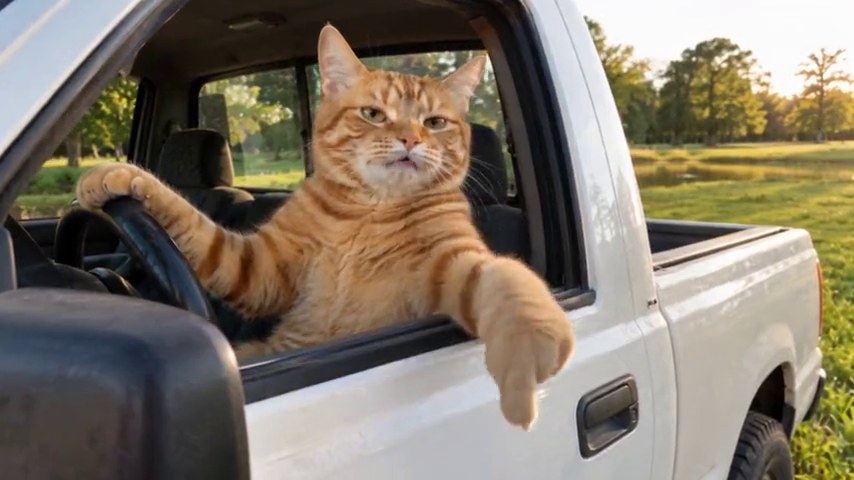
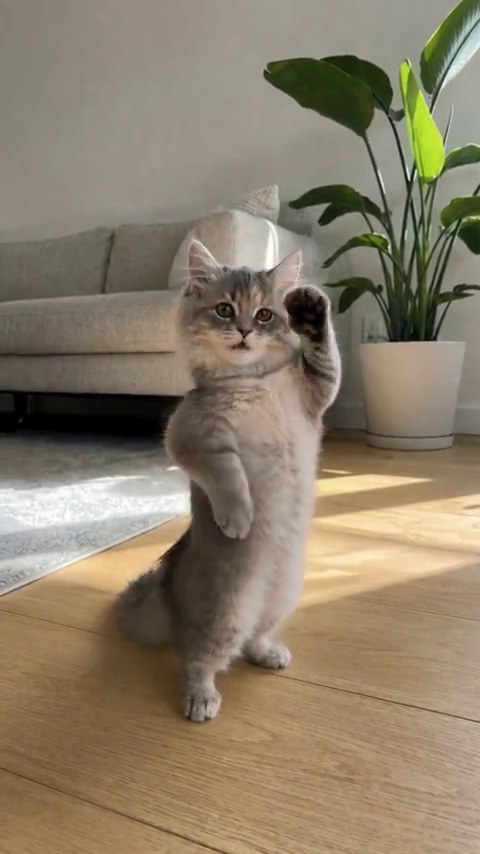
What makes these body-replacement videos go viral is the comedic mismatch: instead of putting on a police uniform, creators keep their everyday hoodies, sports jerseys, or casual tees—or cast their dog or cat as the rookie officer checking their duty belt before a shift.
The 7-Item Gear Check Sequence (Played Twice in 11 Seconds)
Each cut lands squarely on the beat and cycles through all seven items twice in 11 seconds:
- Cut 1 — Pepper spray: Held up close toward the lens in front of the sticker-covered navy lockers.
- Cut 2 — Mounted-light pistol: Quick flash of the tactical sidearm framing the center shot.
- Cut 3 — Lens-flashing flashlight: Bright beam aimed directly into the camera for a flash transition.
- Cut 4 & 5 — Dual tasers: Two rapid back-to-back taser checks on the beat.
- Cut 6 — Folding knife flip: Quick close-up wrist flip before the final item.
- Cut 7 — Handcuffs: Dangled right in front of the camera lens before the 7-shot loop repeats.
How to Create Your Clip on Memeo
- Open the generator: Go to the End of Watch AI Video Generator.
- Upload one portrait: Add a clear JPG, PNG, or WebP waist-up photo of yourself or your pet.
- Select resolution and render: Choose Standard 480p (100 credits) or HD 720p (200 credits) and click Create video. Download your watermark-free 11-second MP4 in a few minutes.
Frequently Asked Questions
What is the #endofwatch locker room trend on TikTok?
It is a short, beat-synced POV video set inside a police station locker room where the subject shows seven pieces of patrol gear toward the camera in rapid cuts, looped twice in 11 seconds.
Will the template put me in a police uniform or keep my own clothes?
You keep the exact shirt, hoodie, or outfit from your uploaded photo—which is why pairing casual street clothes or sports jerseys with the locker room backdrop creates such a funny contrast.
What seven items appear during the locker room gear check?
The sequence shows pepper spray, a pistol with a mounted light, a flashlight aimed at the lens, two tasers, a folding knife, and handcuffs, played twice through on the beat.
Do TikTok, Instagram, and YouTube require an AI disclosure label for this clip?
Yes. Always enable the AI-generated content label when uploading AI scene-replacement clips to TikTok, Reels, or YouTube Shorts.