 Memeo
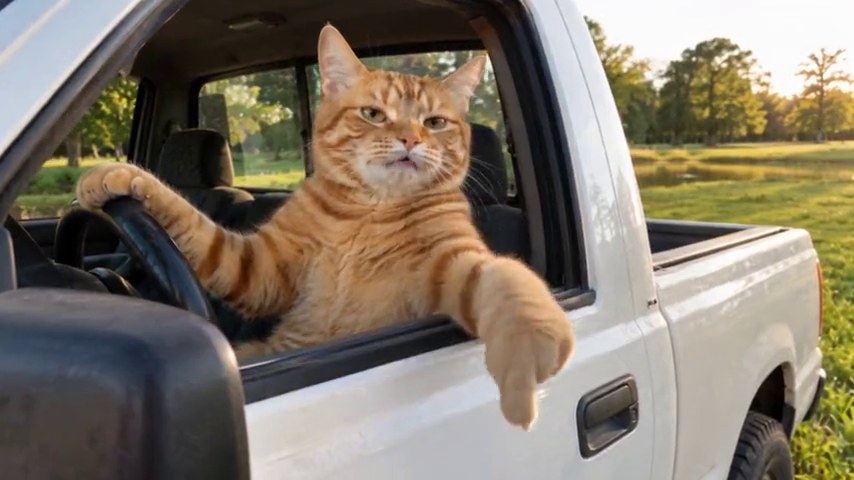
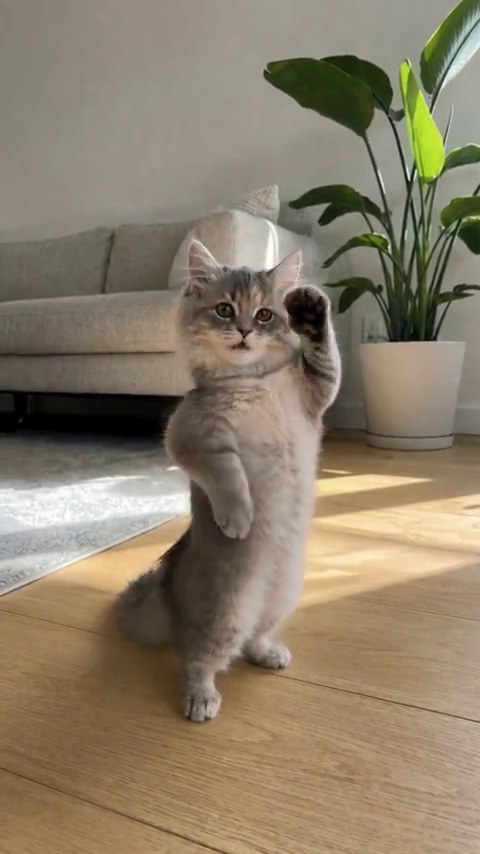
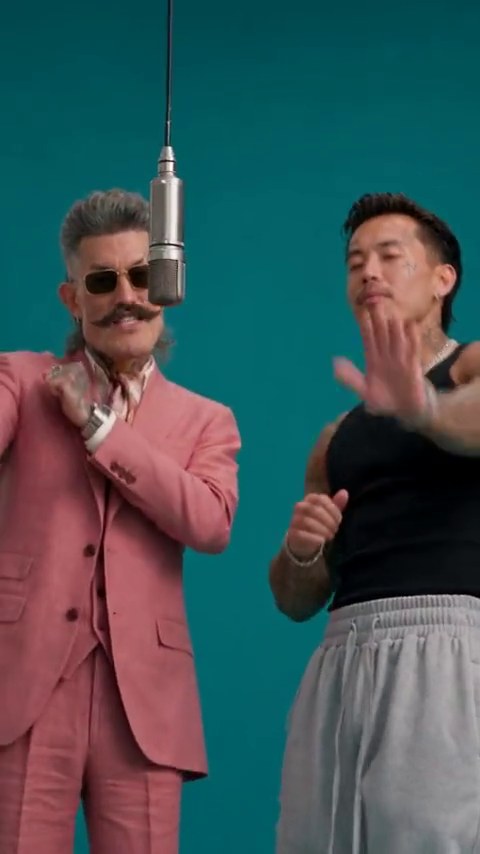
Beating the allegations of stealing the last snack deserves a victory lap. Add one clear photo to I Just Beat The Case and cast your star in the courthouse walkout, flex, and celebration.
Open the templateIn this guide
What Is the I Just Beat The Case “I’m Back” Courthouse Meme?
The I Just Beat The Case AI video turns a courthouse walkout celebration meme into a victory lap that is several sizes too big for the occasion. The flex, the confidence, the victory moves: everything says “I’m back.” The joke gets better when the supposed victory is something wonderfully small.
Cast your dog after it escapes blame for the chewed shoe, yourself after finding the missing keys, or a friend who finally wins the group’s argument about dinner. Keep the setup obviously playful. The template is a fictional comeback scene, not a statement about anyone’s real legal history. Think of it as an “I’m back” victory flex template for everyday wins.
Best Photo Tips for the I Just Beat The Case Walkout & Flex
Choose one clear person or pet. A full-body photo suits the walkout and celebration, as long as the face is still easy to recognize. Leave room around the subject and avoid cutting off the head or feet. A normal pose is fine; the scene brings the swagger.
Use even lighting and skip strong filters, sunglasses, and group photos with no obvious lead. For pets, keep the face, ears, and coat markings clear. You do not need a courthouse background, a costume, or a photo that already matches the scene.
How to Make the I Just Beat The Case AI Video from One Photo
Choose Your Star & Check the Photo
Open I Just Beat The Case and watch the reference. Add your chosen photo to “The star,” then review the preview. Make sure the face reads clearly and the photo gives the walkout enough room.
Check the Walkout Video Options
The template supplies the courthouse-style scene instructions, so there is no motion prompt to compose. Check the current creation options, output details, and displayed credit cost before continuing. You can plan the joke with a normal photo; no real courthouse visit or performance recording is needed.
Review the Celebration & Add the Punchline
Watch the entire result, including the walkout, the flex, and the celebration. Check facial changes, hands or paws, and movement between poses. Add the smallest possible reason for the biggest possible celebration: “When they realize it wasn’t me who ate the leftovers.”
Courthouse Walkout Meme: Check Likeness, Movement & Fictional Context
The fun is in the exaggeration. A caption about snacks, chores, or a harmless group-chat debate makes the fictional setup clear. Avoid presenting the clip as real footage of a person leaving court or implying something about their actual history.
For the visual result, start with recognition: does it still look like your star throughout the walk and celebration? If not, try a sharper, less obstructed photo. AI faces and limbs can change during movement, so review the full sequence rather than choosing by the thumbnail.
I Just Beat The Case AI Video — Frequently Asked Questions
How do I make the I Just Beat The Case courthouse walkout video with my photo?
Open the template and add one clear person or pet photo to the star slot. Check the crop and current creation options before continuing. The scene instructions provide the walkout and celebration setup; your photo chooses who gets the victory lap.
Should I use a close-up portrait or a full-body photo for the walkout?
A full-body photo is useful for the walking and flexing sequence, provided the face stays clear. Leave room around the head and feet. An extreme close-up gives less information about the body and clothing for the AI to work with.
Can my dog or cat star in the I Just Beat The Case celebration meme?
The star slot is designed for people or pets. Use a clear pet photo with visible ears, muzzle, coat markings, and preferably the full body. Check paws and posture through the celebration, since animal movement can vary.
Do I need to film at a courthouse or write a motion prompt?
No. The courthouse-style walkout is part of the scene instructions. Choose a clear photo and save your writing for a short, obviously playful caption.
What caption makes the “I’m Back” victory flex work?
Give the big celebration a tiny reason, such as escaping blame for missing snacks or finally winning a game. If you use another person’s photo, get their permission and make the fictional setup clear. Do not imply that the clip records a real court event.